
Are your ready to earn rewards while you inspect? Meet the Inspect7® referral program.
With the Inspect7® Referral Program, you can earn rewards while sharing the benefits of digital inspections. By inviting others to Inspect7®, you are not only helping to improve their inspection process, but you’re also unlocking rewards for yourself. It is our way of saying thank you to our advocates and helping grow a community within Inspect7®.
Get your referral code
New customers receive 50% off their first month’s subscription or 5% off an annual plan.
How it works?
The referral program allows you to generate a unique URL or code that you can share however you like. When someone uses your link or code to sign up for Inspect7®, both of you benefit:
New Customer
New customers receive 50% off their first month’s subscription or 5% off an annual plan.
The referrer
You, the referrer, earn credits equal to the value of their discount. For example, if your friend signs up for an Inspect7® Platinum account, you could earn up to £330 in credits.
How does the referral program work?
The referral program allows you to generate a unique URL or code that you can share however you like. When someone uses your link or code to sign up for Inspect7®, both of you benefit:
New Customer
New customers receive 50% off their first month’s subscription or 5% off an annual plan.
The Referrer
You, the referrer, earn credits equal to the value of their discount. For example, if your friend signs up for an Inspect7® Platinum account, you could earn up to £330 in credits.
How to Use Your Credits
The credit you earn from your referrals are added to your account and can be spent in two ways:

Subscription Credits
Apply your rewards toward your own Inspect7® subscription. Keep referring, and your subscription could be completely free.
SafeTime Store Vouchers
Convert your credits into vouchers of equal value to spend on hardware and accessories in the SafeTime store.
How to Use Your Credits
The credit you earn from your referrals are added to your account and can be spent in two ways:

Subscription Credits
Apply your rewards toward your own Inspect7® subscription. Keep referring, and your subscription could be completely free.
SafeTime Store Vouchers
Convert your credits into vouchers of equal value to spend on hardware and accessories in the SafeTime store.
Getting Your Referral Code
It’s easy to find your referral code and link and start referring:
On Desktop

02
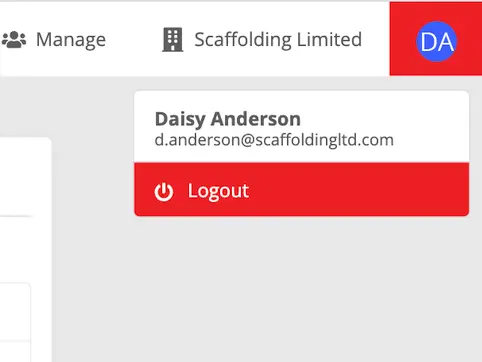
Click your profile icon (top left) then click your profile name and email to open settings.
03

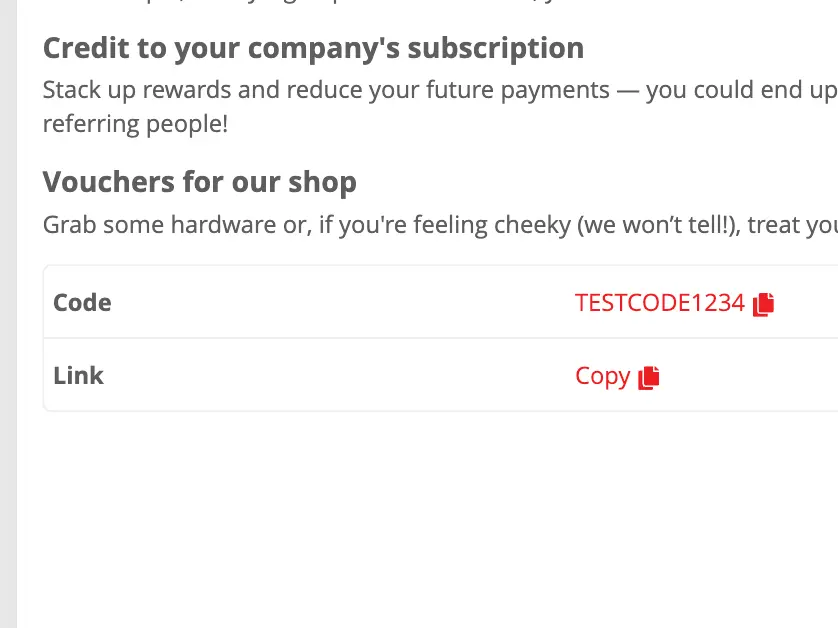
Click the Referrals tab.
04
This is a small title related to the current image
On Desktop
01
Open and login to the Inspect7® web portal.
02
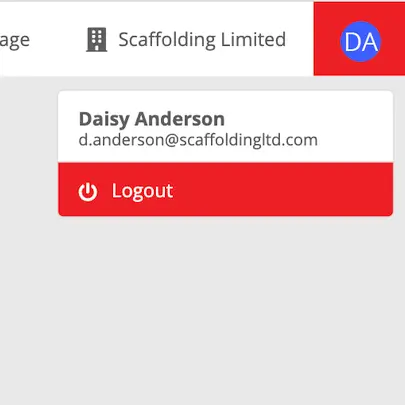
Click your profile icon (top left) then click your profile name and email to open settings.
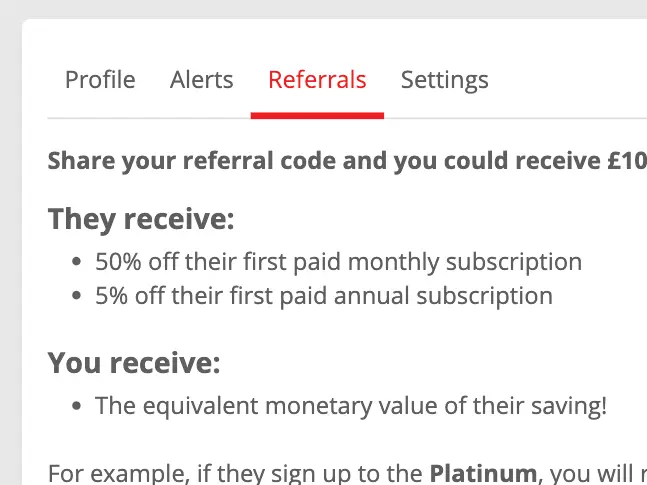
03
Click the Referrals tab.
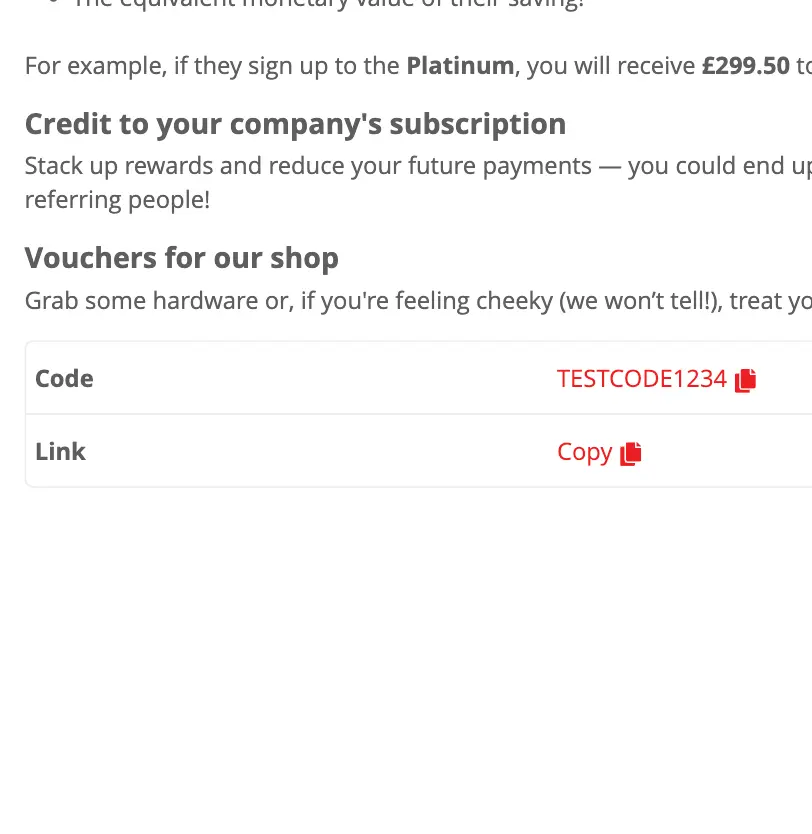
04
Click on the Link or Code to copy it to your clipboard.
- Log in to the Inspect7® web portal.
- Click your profile icon (top left).
- Click the Referrals tab.
- Click on the Link or Code to copy it to your clipboard.
On Mobile App
01
Open and login to the Inspect7® web portal.
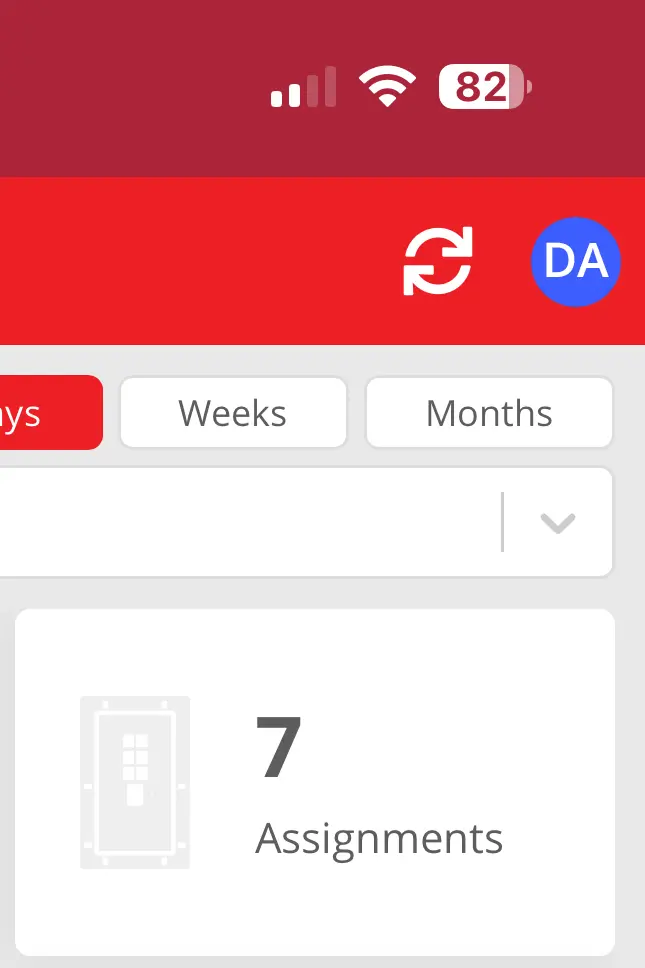
02
Tap the profile icon (top right).
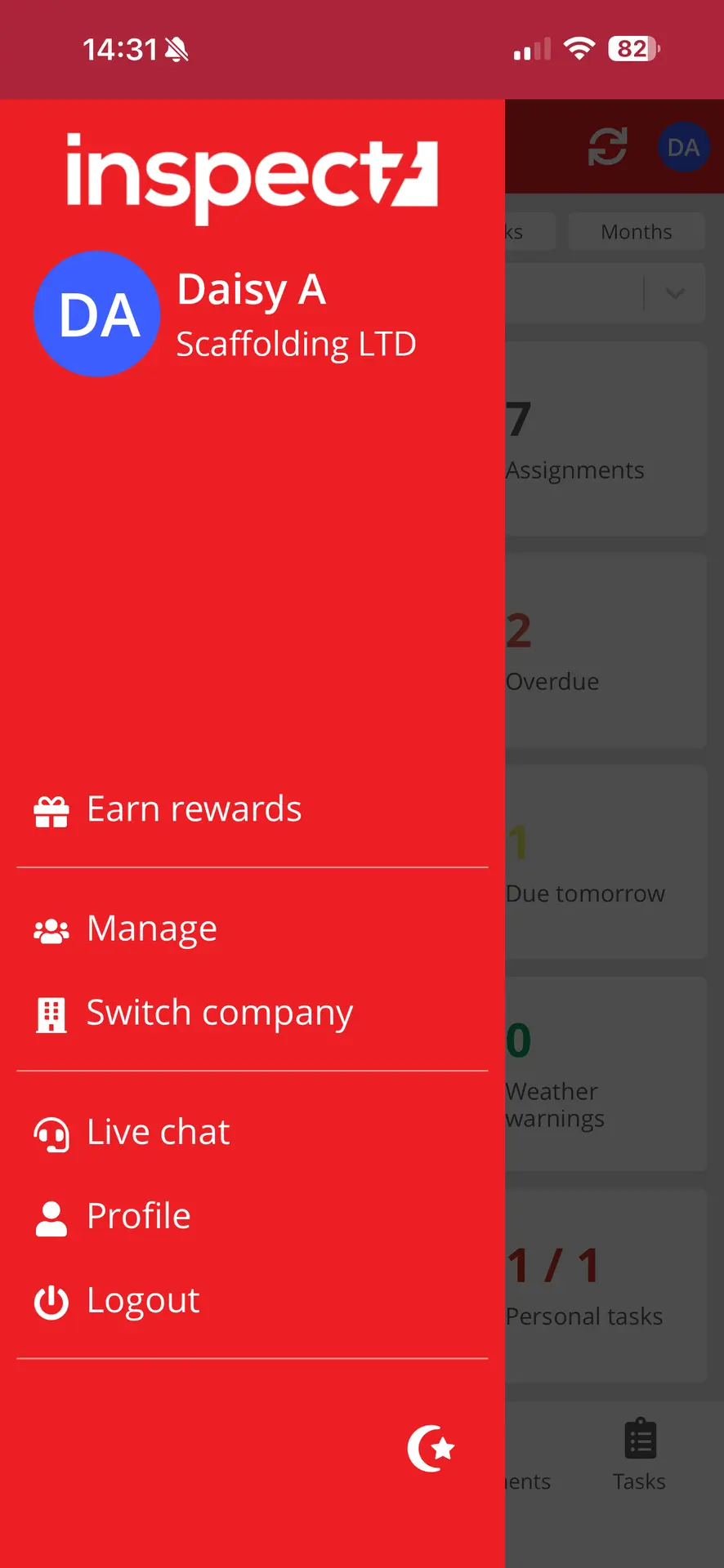
03
Select Earn Rewards from the side menu.
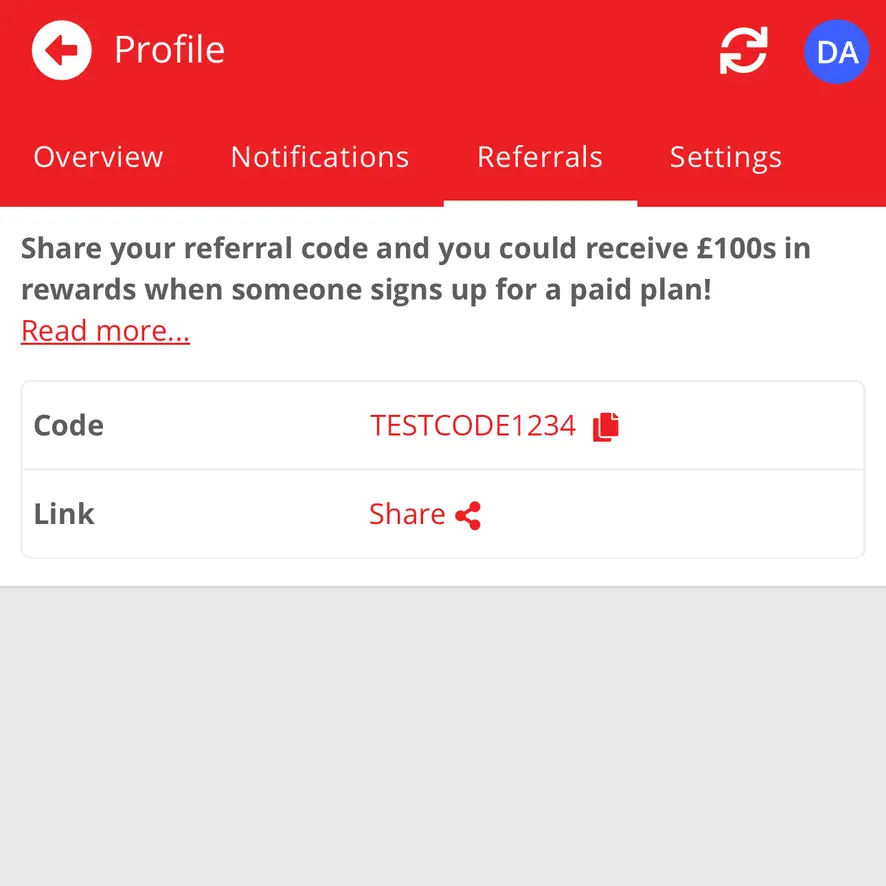
04
Tap either the Copy or Link to open your device’s share options.
On Mobile
01

Open and login to the Inspect7® App.
02
Tap the profile icon (top right) to open the side menu.
03
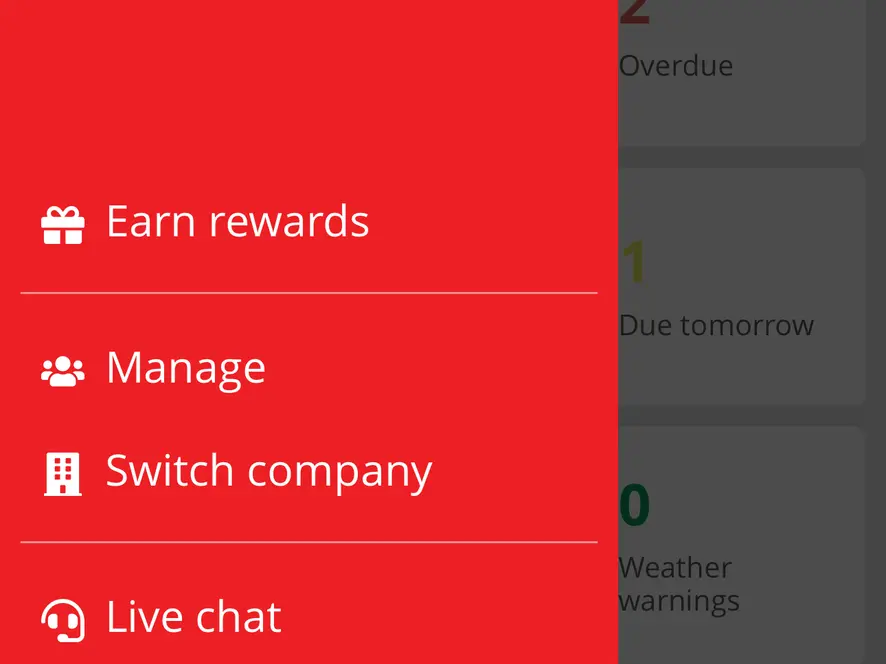
Select Earn Rewards from the side menu.
04
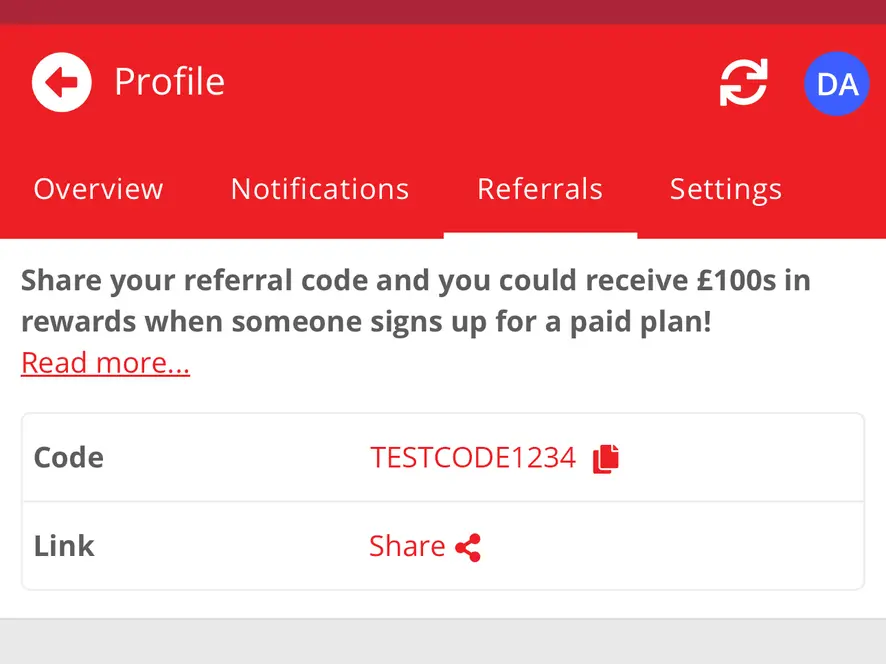
Tap either the Copy or Link to open your device’s share options.
- Open and login to the Inspect7® App.
- Tap the profile icon (top right).
- Select Earn Rewards from the side menu.
- Tap either the Copy or Link to open your device’s share options.
Sharing Your Referral
There are plenty of ways to share your referral code but choose what works best for you. If you know someone who would benefit from using Inspect7®, send your code via email or text. Want to reach a wider audience? Share a post on your personal or company social media channels. And if you do share on social media, don’t forget to tag us so we can celebrate your referrals!

Start referring today and enjoy the benefits! Log in to your account and find your referral link under the Referral Program tab.
Login