Inspect7®
Digital inspection software and hardware for scaffolding, temporary works, and more.
More Data, Less Paper
Building the future of inspections
SafeTime® has revolutionised health & safety reporting by becoming a leader in digital inspections.
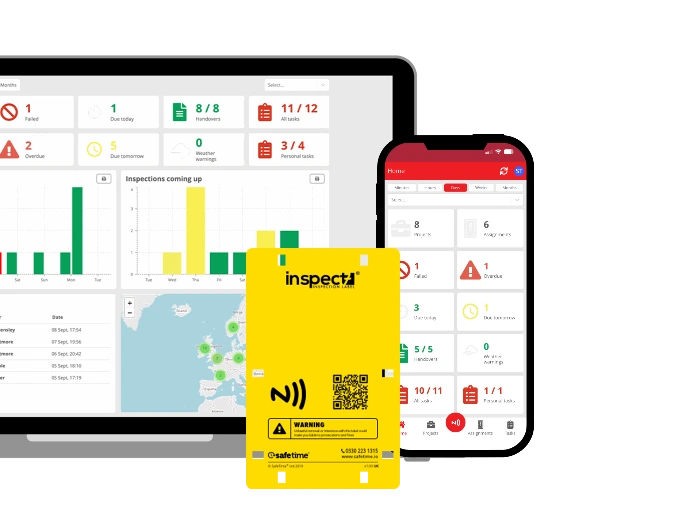
Inspect7® is a digital inspection solution that utilises a visible tagging system to supplement inspection reports as a way to ensure the inspection has been carried out correctly and the asset is safe to use.


Building the future of inspections
SafeTime® has revolutionised health & safety reporting by becoming a leader in digital inspections.
Inspect7® is a digital inspection solution that utilises a visible tagging system to supplement inspection reports as a way to ensure the inspection has been carried out correctly and the asset is safe to use.
The Hardware
The Hardware
The Inspect7® Device
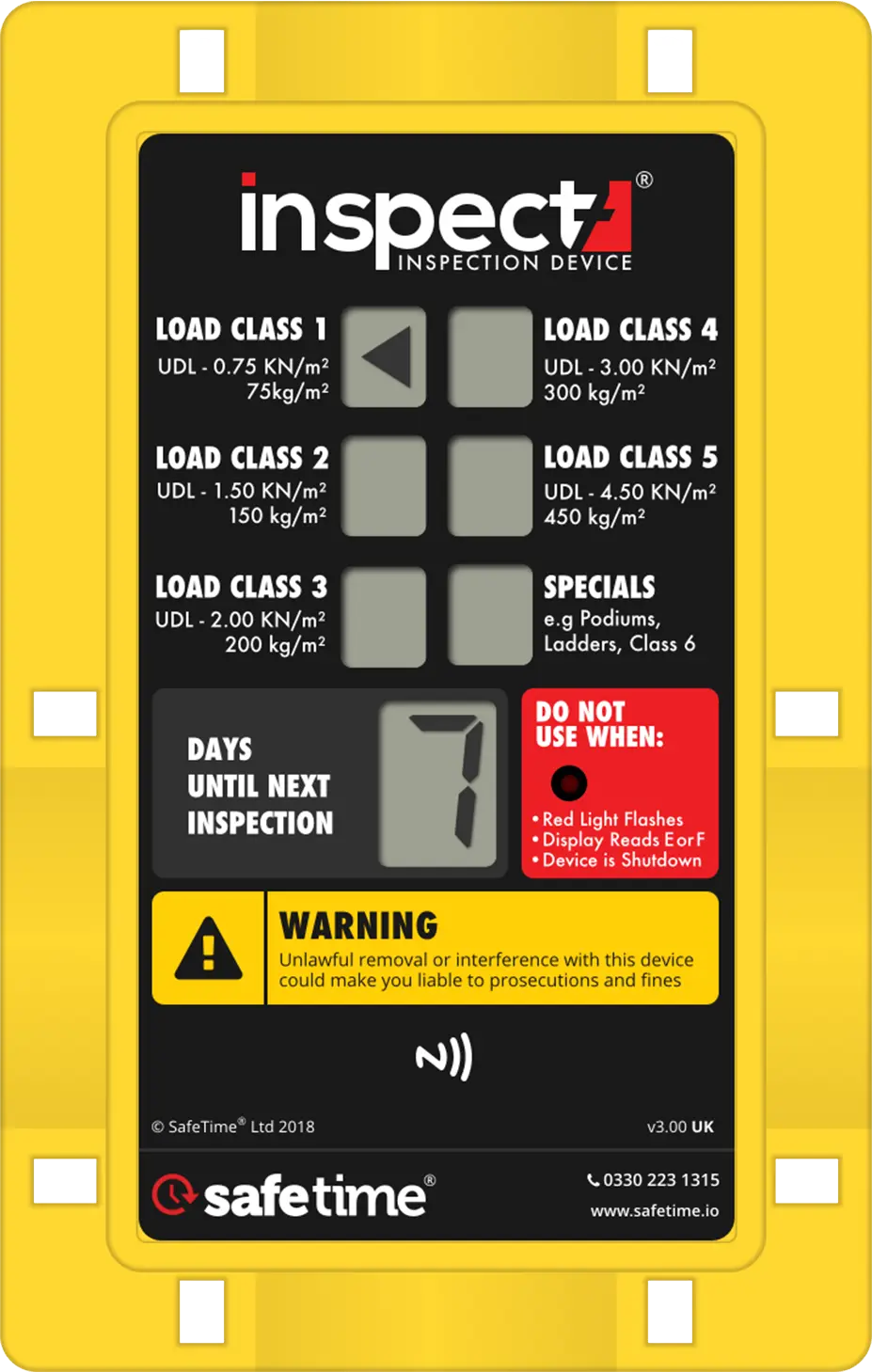
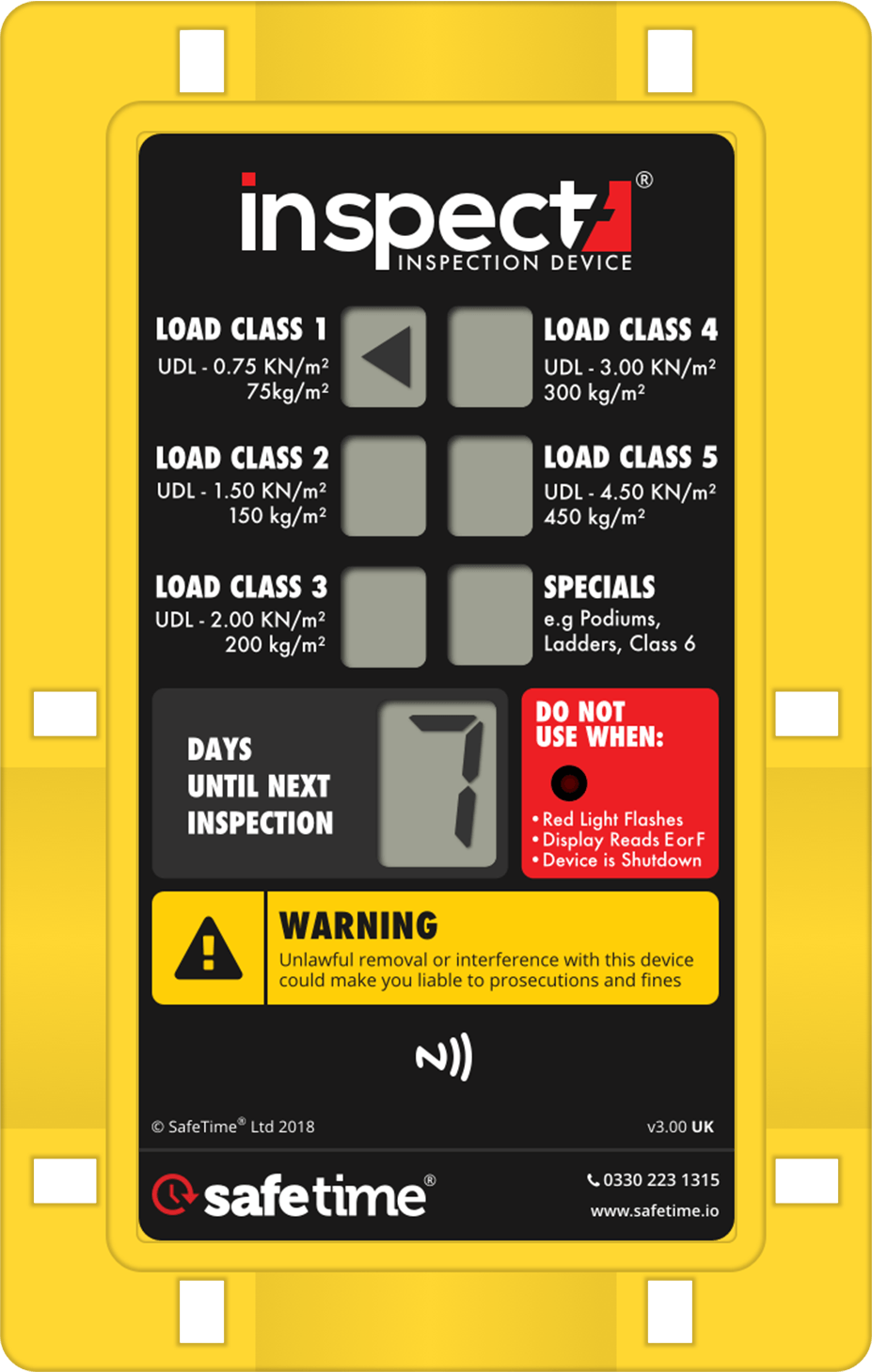
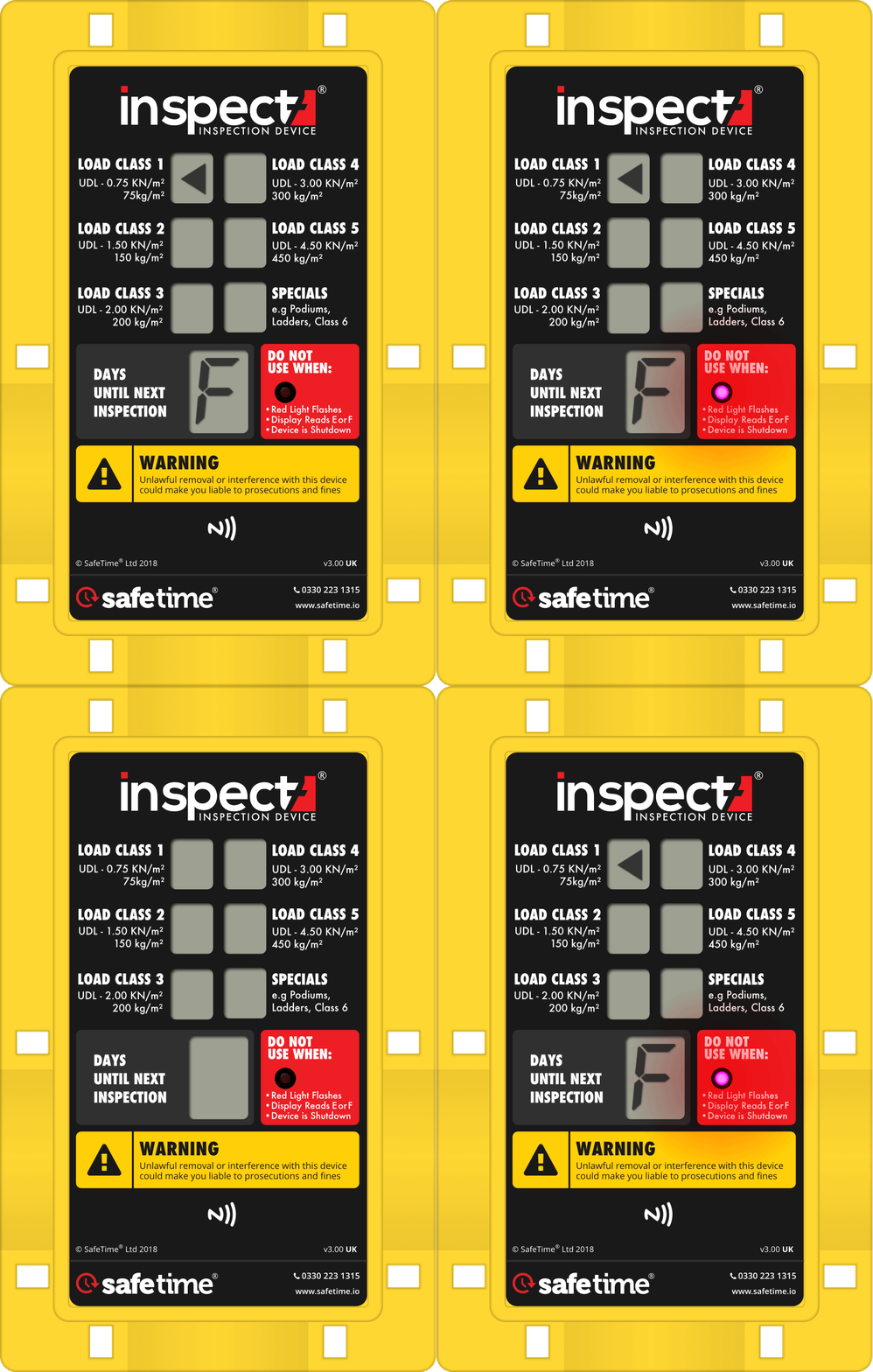
Perfect solution for scaffolding inspections! This is the latest evolution of our digital Device. It features a digital display shows exactly how much time remains before an inspection expires and provides alerts if the inspection fails or reaches its expiration.
The Inspect7® Device
Perfect for scaffolding inspections! This is the latest evolution of our digital Device that features a display to let you see how long a given inspection has got left and alerts you when the scaffold has failed or expired.
No Batteries to replace
The Inspect7® device is fully tamper-proof, and a battery indicator is displayed on the latest inspection.
Waterproof to IP63
The inspection device has been manufactured to withstand the toughest conditions.
Visual indication
Notifies the user of how many days until the next inspection.
Security is important
Inspect7® uses the latest technology and utilises secure VPS servers, with a fully encrypted connection.
The Inspect7® Label
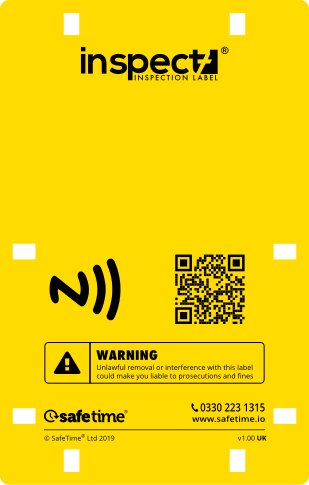
An alternative to the Inspect7® Device, the Inspect7® Label works on all phones that support NFC this includes iPhone 6s and up.
Android & iOS compatible
The Inspect7® label is fully compatible with iPhone 7 onwards and also any NFC capable android device.
Competitive pricing
The Inspect7® label has been developed as a cheaper alternative to the Inspect7® device.
Interchangeable
Inspect7® Label is designed with the same dimensions and mounting pattern as the Device, allowing it to be tied in the same way and is fully compatibility with the Inspect7® Clik-it® system.
Try Inspect7® for Free
Set up a free Foundation Account and request a free sample hardware to experience Inspect7's efficient digital inspections with no obligation.
An alternative to the Inspect7® Device, the Inspect7® Label works on all phones that support NFC this includes iPhone 6s and up.
The Inspect7® Label
Book a demo to find out how you can take your inspections to the next level with Inspect7®.
Hardware for any inspection
We have Inspect7® hardware for any application
Book a demo to find out how you can take your inspections to the next level with Inspect7®.
What you will get
Explore Inspect7® software
Key insights into the system
Get personalised answers
Live inspection demonstration
The Software
View inspections anytime, anywhere
View inspections from the Inspect7® web portal or mobile app.

The Software
View inspections anytime, anywhere
View inspections from the Inspect7® web portal or mobile app.
Say Goodbye to Pen and Paper
Conduct inspections and complete handovers using our bespoke Inspect7® app.
The Inspect7® app harnesses the latest technology, such as NFC (Near Field Communication) and cloud-based integration, to create an effortless solution to the current and outdated paper-based method of carrying out inspections.

Web Portal
You will never need to update you desktop app again
Inspect7® gives you secure, controlled access to inspections and project data - only users invited to a project can view the information. The Inspect7® cloud-based portal (accessed from your web browser) allows users to view or download full inspection information. By using a cloud-based system there is no need to install/upgrade software. This approach also allows access from any PC with internet connectivity and a web browser installed.


Web Portal
Inspect7® gives you secure, controlled access to inspections and project data - only users invited to a project can view the information. The Inspect7® cloud-based portal (accessed from your web browser) allows users to view or download full inspection information. By using a cloud-based system there is no need to install/upgrade software. This approach also allows access from any PC with internet connectivity and a web browser installed.
Inspection Questionnaires
Comprehensive inspections start with a great questionnaire.
Create the perfect inspection for any application by creating custom questionnaires. Within Inspect7®, you can build custom questionaries to meet any specification required for any subject of inspection.

Easy to build
Making questionnaire could not be easier. The Questionnaire Builder guides user step by step to design a comprehensive digital inspection that meets their requirements
Choose how the inspector will respond to each question, choosing from multiple input types such as dropdown menus, pass/fail buttons, or textbox fields.

Readymade questionaries available at your fingertips.
Browse the Inspect7® repository questionaries submitted by other users to get you started. Users can then copy and edit the questionaries to suit their specific requirements.

Questionnaires
Create the perfect inspection for any application
Comprehensive inspections start with a great questionnaire.
Create the perfect inspection for any application by creating custom questionnaires. Within Inspect7®, you can build custom questionaries to meet any specification required for any subject of inspection.
Easy to build
Making questionnaire could not be easier. The Questionnaire Builder guides user step by step to design a comprehensive digital inspection that meets their requirements
Choose how the inspector will respond to each question, choosing from multiple input types such as dropdown menus, pass/fail buttons, or textbox fields.

Readymade questionaries available at your fingertips.
Browse the Inspect7® repository questionaries submitted by other users to get you started. Users can then copy and edit the questionaries to suit their specific requirements.

Questionnaires
Create the perfect inspection for any application
Try Inspect7® for Free
Set up a free Foundation Account and request a free sample hardware to experience Inspect7's efficient digital inspections with no obligation.
Try Inspect7® for Free
Set up a free Foundation Account and request a free sample hardware to experience Inspect7's efficient digital inspections with no obligation.
Create an Account
01
Stay Compliant
Download comprehensive reports for every digital inspection conducted at the Assignment level or across the entire Project.
Inspect7® gives users the ability to download the full inspection reports containing data such as the inspector, comments and attached photographs for the entire Project. This ensure that businesses have an audit trail ready for internal reviews and to stay compliant with health and safety requirements.

02
Create Reports Easily
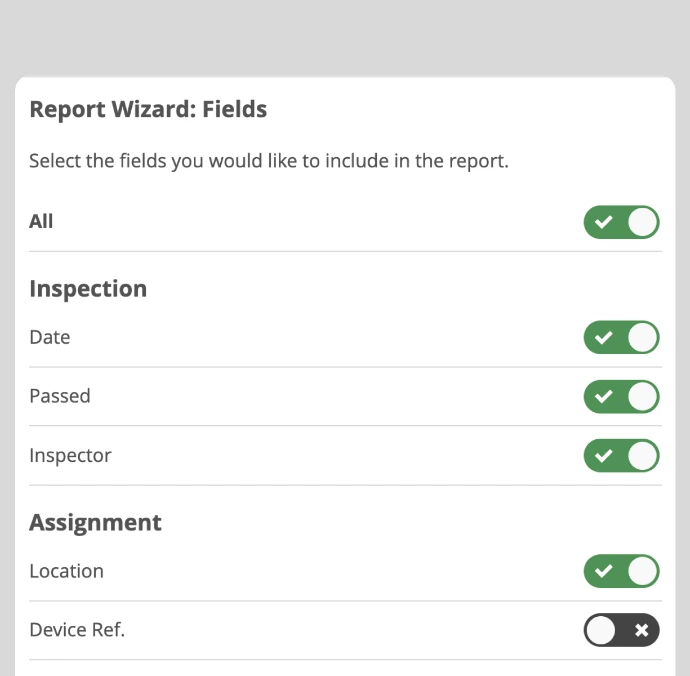
Our built-in Report Wizard makes creating reports quick and easy. Follow the step-by-step guide to choose what Projects, Assignments, Questionnaires and the Date range you would like to include. Cut down even further and customise your report by choose specific data fields.
Then export your report to your desired format of either PDF, Excel, or CSV, making it simple to share, analyse, or archive your inspection data as needed.
03
Stay on top of things
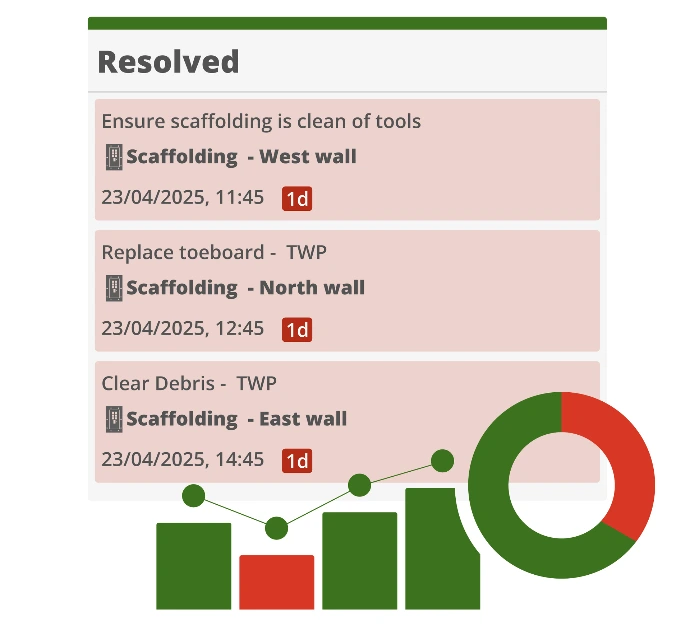
Take your reporting even further with Tasks reports. Users can generate detailed reports that can provide a great insight into the tasks assigned to users within the company.
Whether you’re tracking corrective actions, maintenance jobs, or follow-ups from inspections, these reports help to monitor progress and keep teams aligned.
Reporting
Turn your data into meaningful insights and stay compliant with health and safety regulations
Reporting
Turn your data into meaningful insights and stay compliant with health and safety regulations
01
Stay Compliant
Download comprehensive reports for every digital inspection conducted at the Assignment level or across the entire Project.
Inspect7® gives users the ability to download the full inspection reports containing data such as the inspector, comments and attached photographs for the entire Project. This ensure that businesses have an audit trail ready for internal reviews and to stay compliant with health and safety requirements.
02
Create Reports Easily
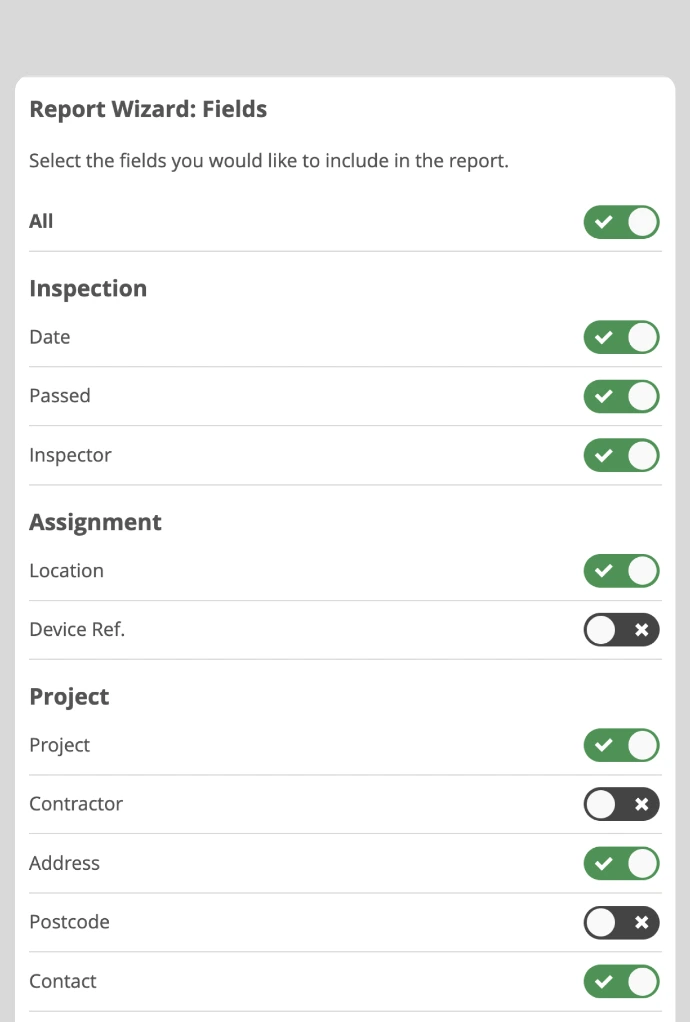
Our built-in Report Wizard makes creating reports quick and easy. Follow the step-by-step guide to choose what Projects, Assignments, Questionnaires and the Date range you would like to include. Cut down even further and customise your report by choose specific data fields.
Then export your report to your desired format of either PDF, Excel, or CSV, making it simple to share, analyse, or archive your inspection data as needed.
03
Stay on top of things
Take your reporting even further with Tasks reports. Users can generate detailed reports that can provide a great insight into the tasks assigned to users within the company.
Whether you’re tracking corrective actions, maintenance jobs, or follow-ups from inspections, these reports help to monitor progress and keep teams aligned.
Book a demo to find out how you can take your inspections to the next level with Inspect7®.
What you will get
Explore Inspect7® software
Key insights into the system
Get personalised answers
Live inspection demonstration
Book a Demo
What you will get
Explore Inspect7® software
Key insights into the system
Get personalised answers
Live inspection demonstration
Book a demo to find out how you can take your inspections to the next level with Inspect7®.
Handovers
Create, send and track digital inspections and handovers all within Inspect7®
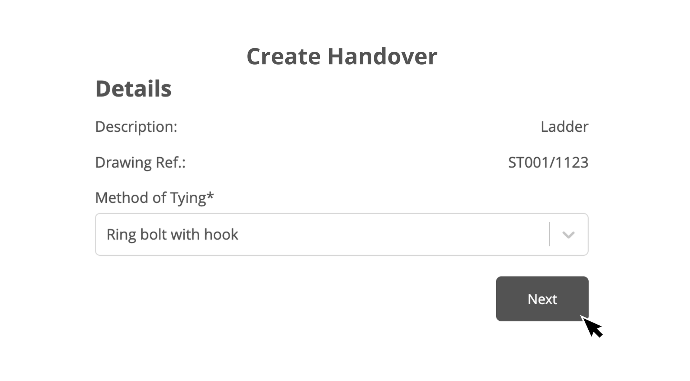
Create handovers
Gold and Platinum subscribers can generate professional handover certificates within Inspect7®. Our step-by-step process makes it easy for users to create handovers complete with your company's logo and attached inspection images.
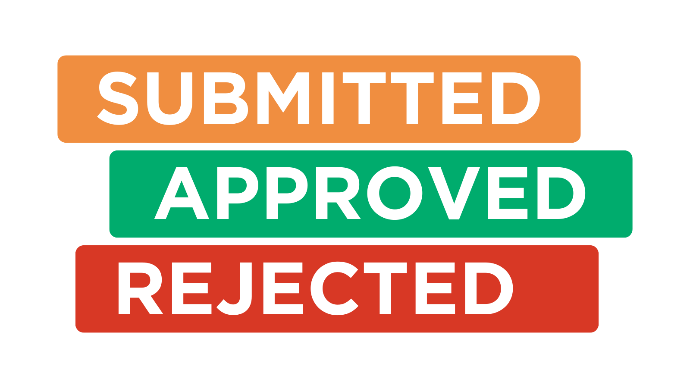
Track handovers
All handover certificates can be accessed, viewed, and downloaded via the online portal, with the ability to create a new revision or change the acceptor. Track the status of a handover, including whether it has been submitted, accepted, or rejected by the client.
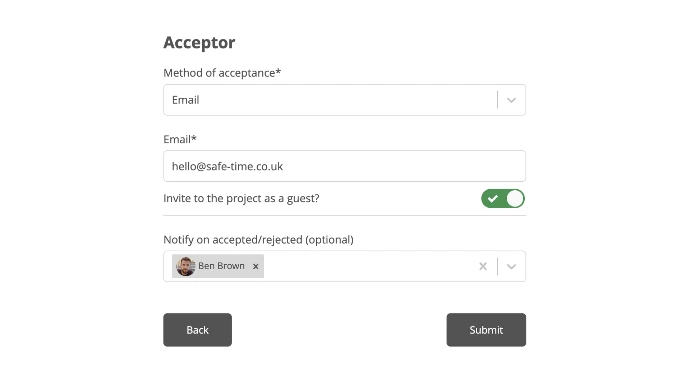
Built-in communication
Send Handovers directly to the end user via their email address or to a Guest user of the project, within Inspect7®. The recipient will receive an email with a link to the handover certificate, allowing them to accept it via digital signature.
Want to know more?
Book a demonstration with our team today to set your business on the path to a digital future.